
A headline about AI replacing your profession tells you surprisingly little about what to do on Monday. Your job title might cover research, writing, scheduling, negotiation, troubleshooting, and responsibility for the final result. Those activities have different requirements.
A more useful starting point is a task audit: identify what you actually do, where AI assistance might fit, and what would still need your attention. You can complete the first version with a notebook. You do not need a subscription, a career prediction tool, or a score claiming to measure your personal chance of unemployment.
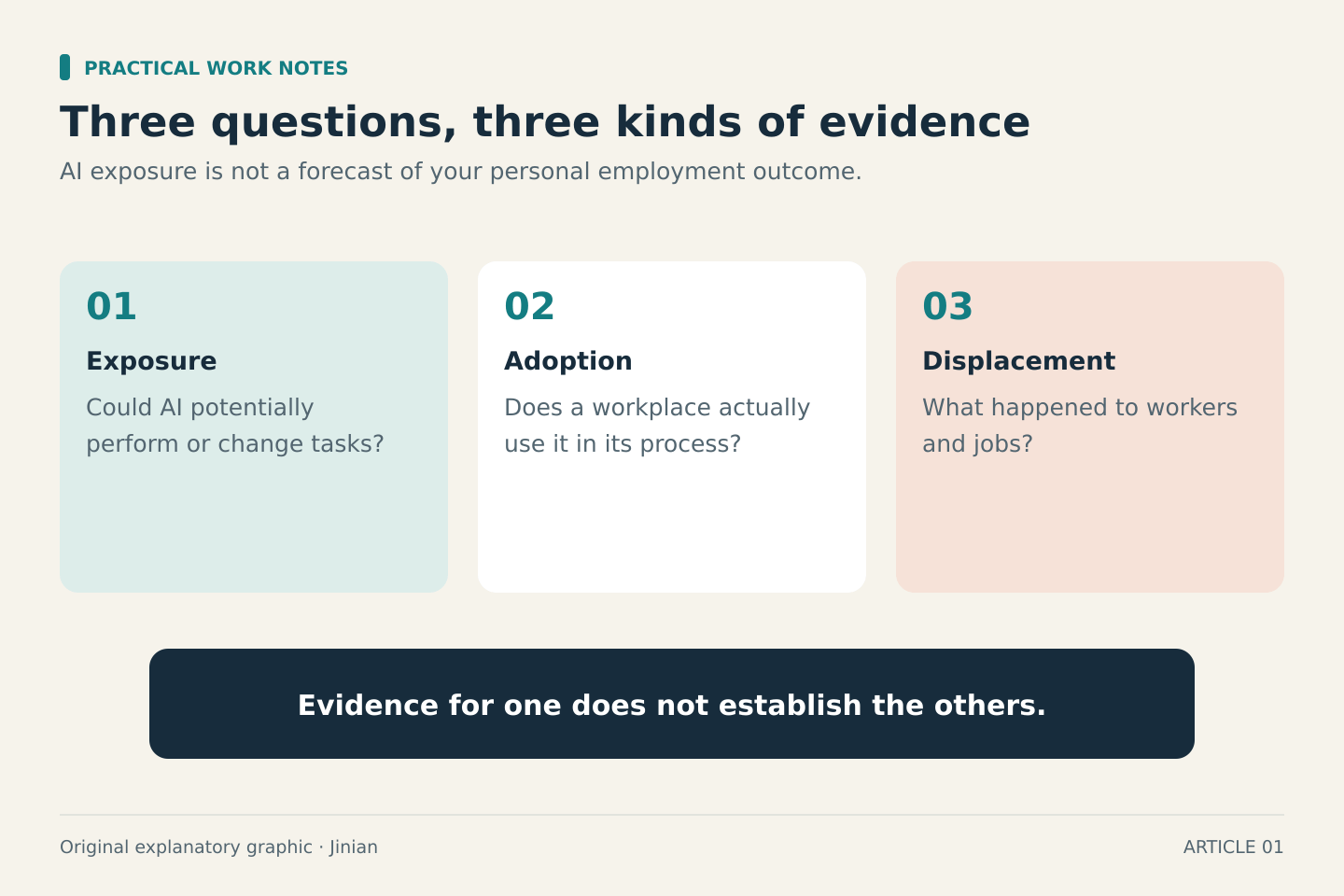
First separate three different questions
Exposure asks whether an AI system could potentially perform or change tasks associated with an occupation. It is a technical assessment with assumptions and limitations.
Adoption asks whether a particular business actually uses that technology. An employer may have access to a capable system without having suitable data, permission, training, or a reliable process for using it.
Displacement concerns the employment consequences, such as a role being eliminated. That requires evidence about what happened to workers and jobs. An exposure estimate alone cannot establish it.
The ILO's April 2026 explanation of AI exposure indicators emphasizes that these measures signal possible change rather than forecast employment outcomes. Different methods can produce different results, and indicators leave out important economic and institutional constraints.
What the research does tell us
The ILO's 2025 refined global exposure index estimates that one in four workers worldwide is in an occupation with some exposure to generative AI. It places 3.3% of global employment in its highest exposure category. Clerical occupations remain the most exposed, while some highly digitized professional and technical occupations also show increased exposure.
These are occupational estimates, not the percentage of people who will lose their jobs. The ILO expects transformation to be more likely than complete replacement because occupations contain tasks that still require human input. Individual workplaces can nevertheless experience disruption, including fewer opportunities for particular tasks.
Four task patterns worth examining
The following are practical screening examples, not an official ranking or a prediction of which work will disappear first.
Turning one supplied format into another. Examples include converting your own rough notes into an agenda or restructuring an approved product description into bullet points. You can compare the output directly with the input and look for omissions or invented details.
Preparing a first draft from a clear brief. A draft response to a routine inquiry might be useful when the permitted answer and relevant facts are already known. Resolving an ambiguous complaint or making an exception requires a separate decision.
Sorting text using explicit rules. A small set of fictional support requests can be grouped by topic. Requests that fit several categories, or none, reveal where the rules need work. Do not mistake consistent formatting for correct classification.
Finding questions or possible weaknesses. An assistant can suggest what is missing from a plan. Its suggestions are material to evaluate; they do not prove that the plan is complete or that every criticism is valid.
For each pattern, ask whether you can check the result well enough to use it. A fluent answer in a subject you do not understand can be particularly difficult to assess.
Build your task audit in 30 minutes
Start with your last five working days. Write down ten recurring tasks using a verb and an outcome: “summarize approved meeting notes,” “resolve scope disagreements,” or “check weekly report totals.” Avoid broad entries such as “marketing.”
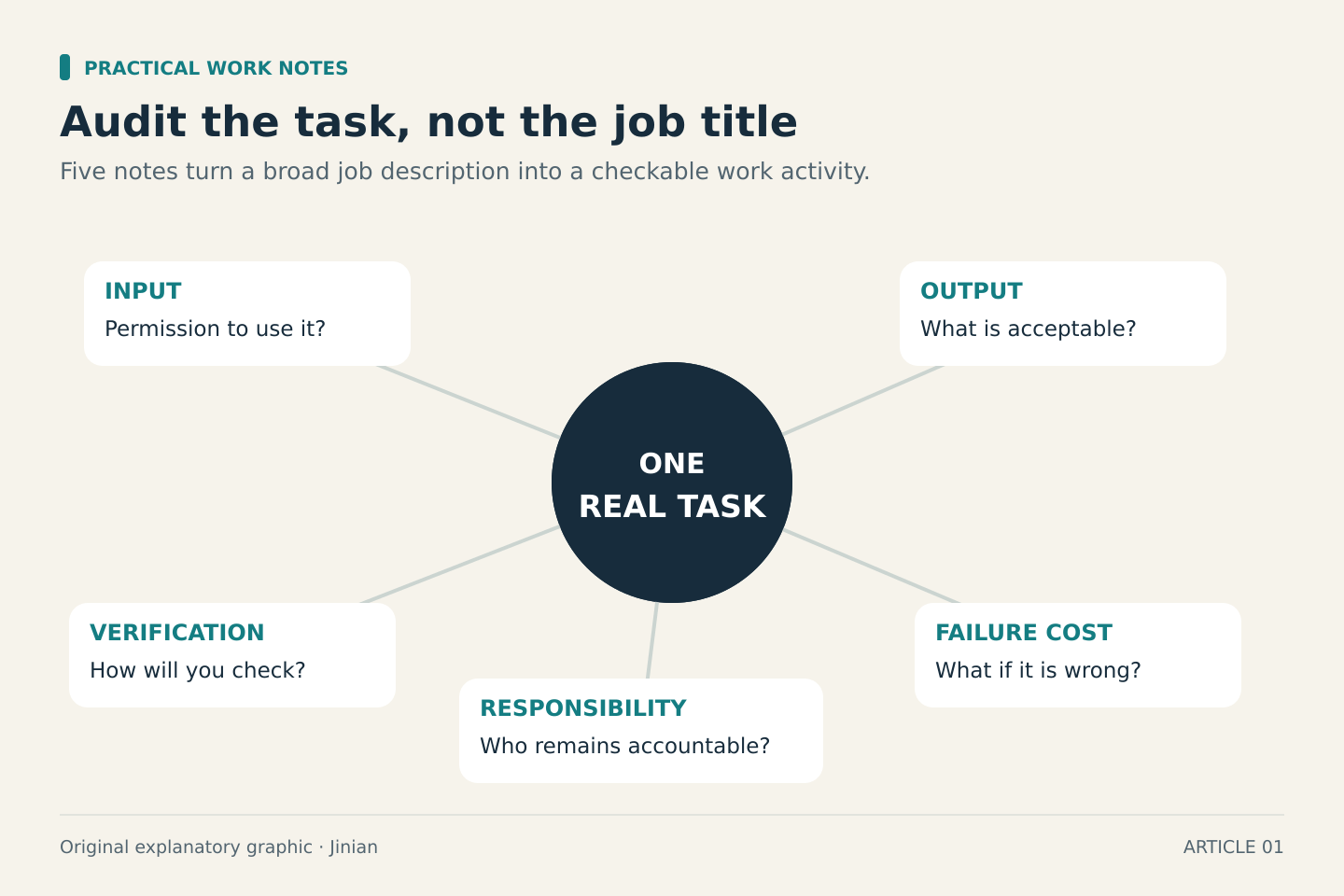
Next, add five notes beside each task:
- Input: What information does it require, and are you allowed to share it with the tool?
- Output: What specific result would count as acceptable?
- Verification: Can you check it against a source, calculation, or clear standard?
- Failure cost: What happens if an error reaches the next person?
- Human responsibility: Who makes the decision and remains accountable?
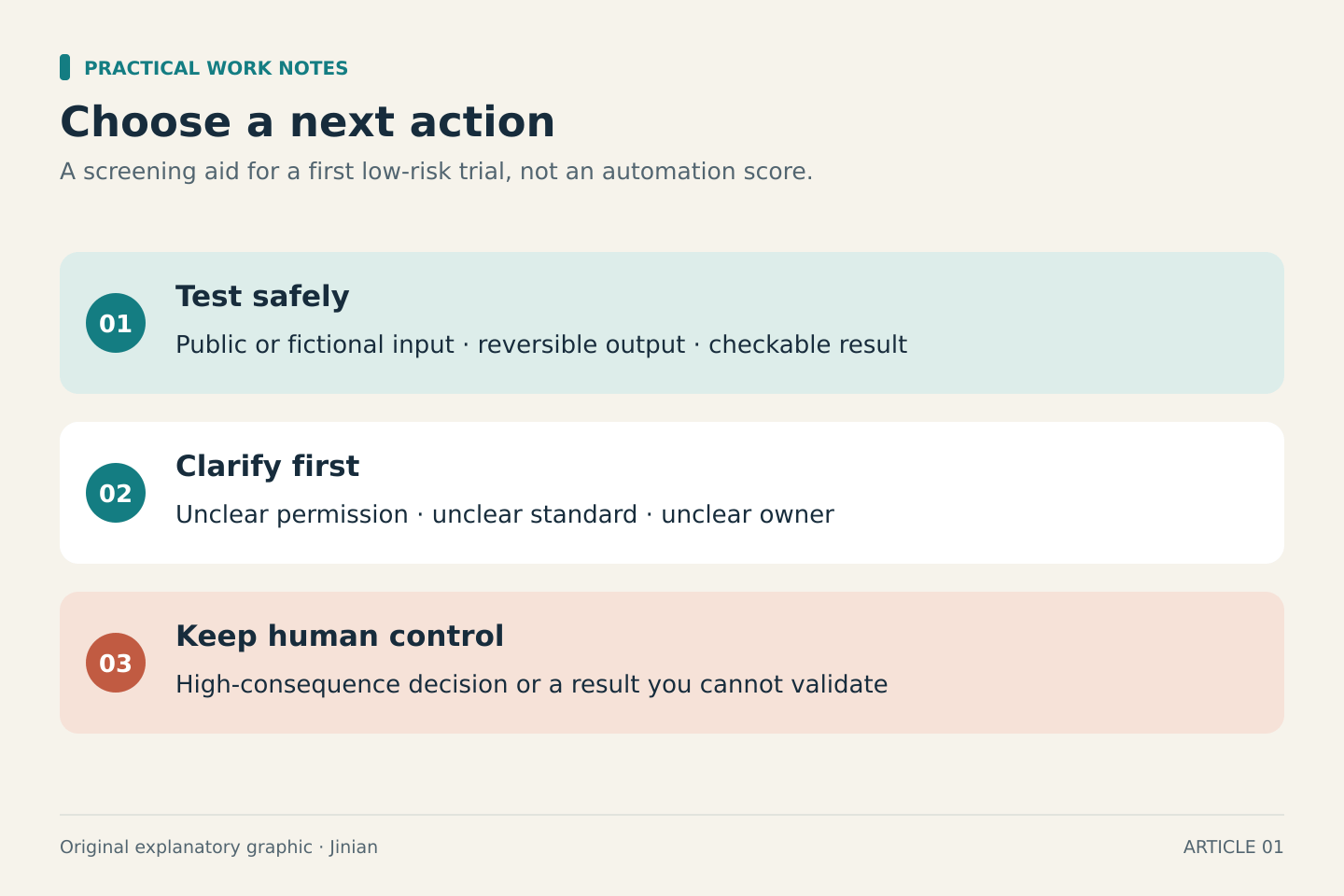
Now assign a next action rather than an automation percentage:
- Test safely: Public or fictional inputs, reversible output, and a result you can verify
- Clarify first: Unclear permission, acceptance criteria, ownership, or review process
- Keep under direct human control: High-consequence decisions, commitments, or work you cannot reliably validate
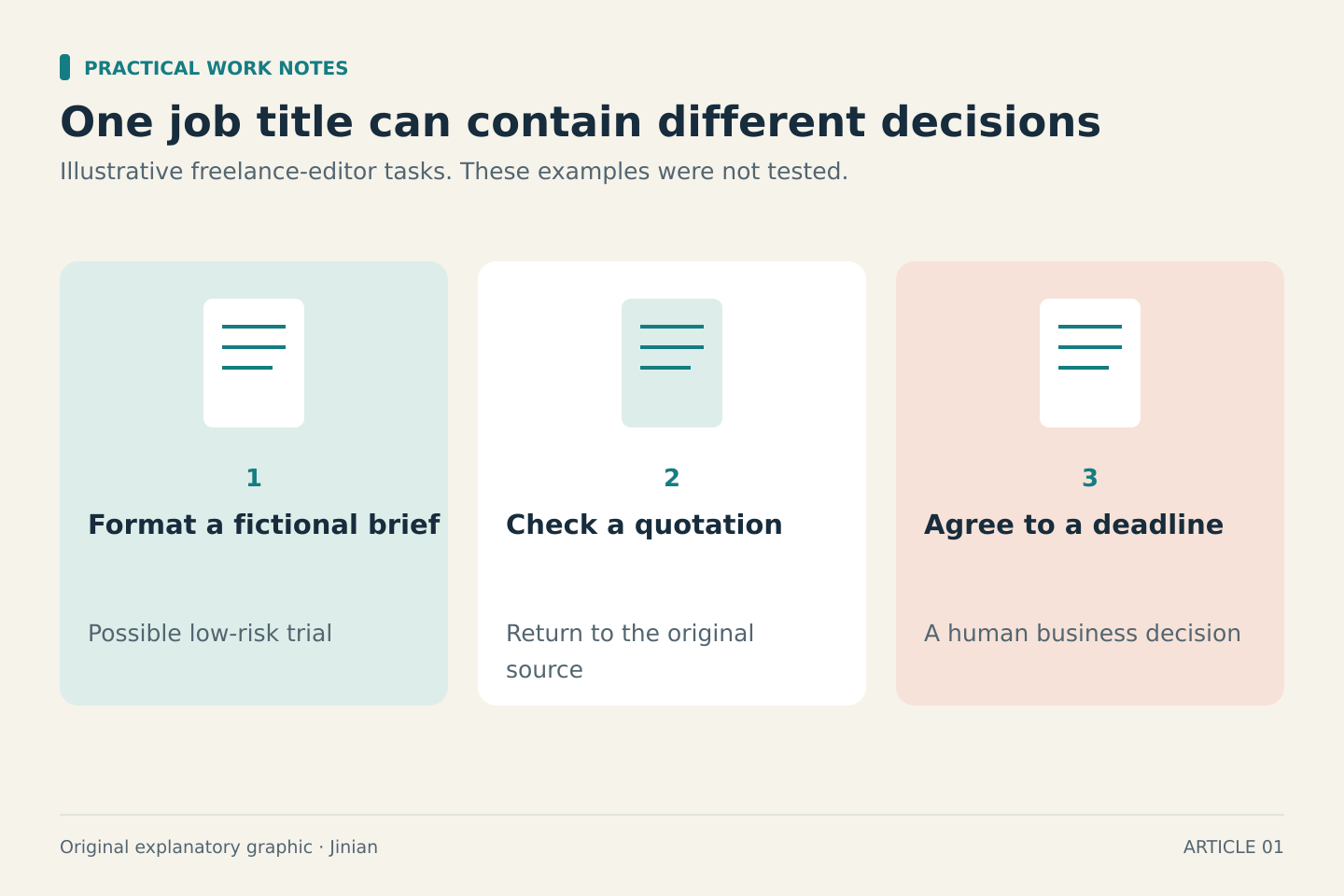
For example, a freelance editor could test formatting a fictional brief. Checking quotations still requires returning to the original source. Agreeing to a client's new deadline remains a business decision. All three activities may appear under the same job title, but the next steps differ.
Choose a response you can control
Pick one “test safely” task and one skill needed to review its output. That might mean learning a spreadsheet check, improving an editing checklist, or asking clearer questions before work begins.
If you work for an organization, ask which tools and information are approved before experimenting with real work. If you freelance, check client requirements too. When permission is unclear, practice with invented material.
Keep the audit as a working document. Revisit it when your responsibilities, approved tools, or client expectations change. Its value is a clearer learning decision, not reassurance that any occupation is permanently safe.