
For a one-person business, the right office suite is usually the one that covers your real workflow with the fewest extra subscriptions and compatibility problems. Start with your files and clients, then compare prices for the exact plans that meet those needs.
Google Workspace and Microsoft 365 both package several services together. Comparing their cheapest headline prices can miss the reason you might need a different tier: desktop applications, storage, meeting functions or a particular AI feature.
Start with three recent jobs
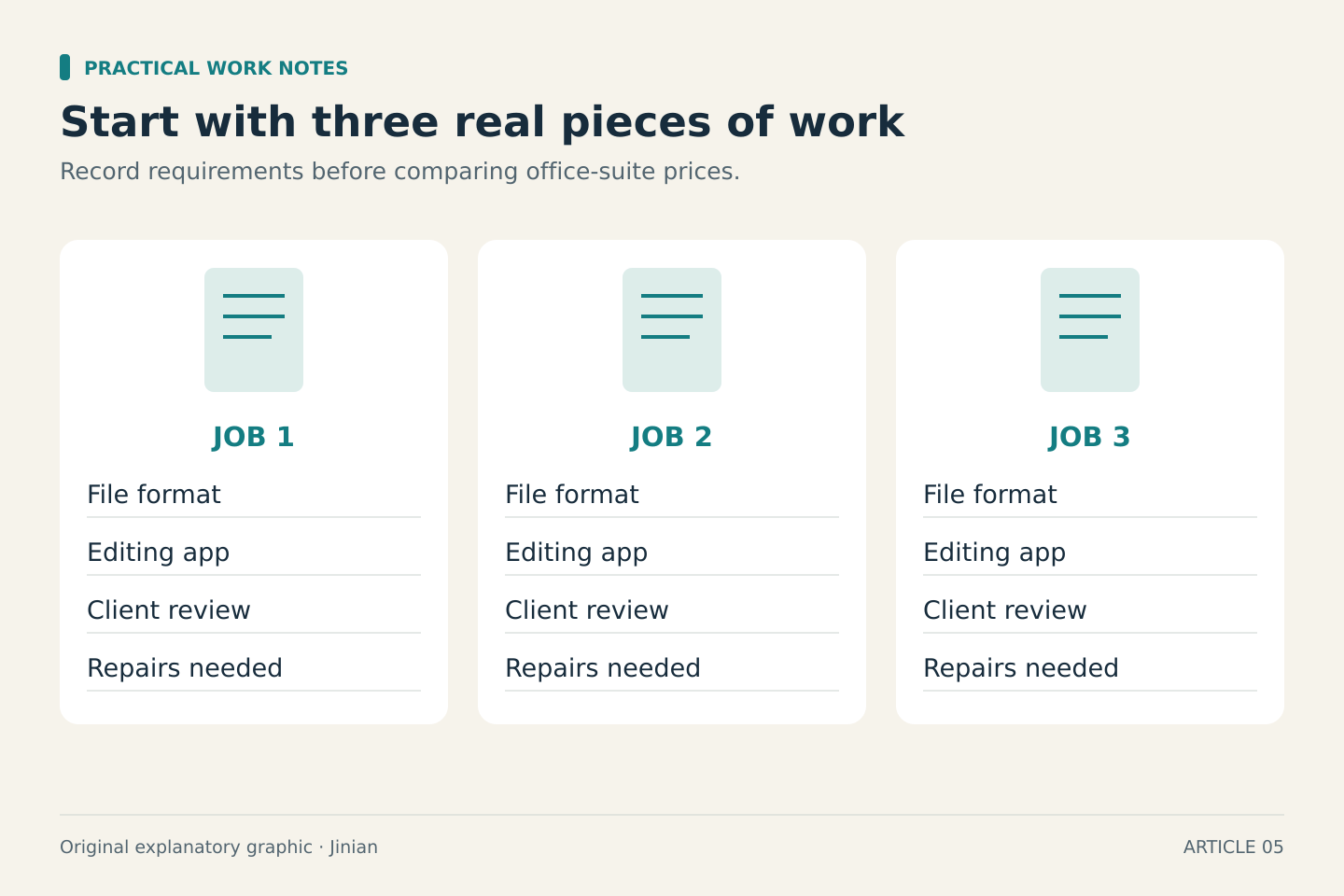
List three pieces of work you delivered recently. For each, record the file format, where you edited it, how the client reviewed it, and whether anything had to be repaired before delivery.
A writer collaborating in shared browser documents has a different requirement from a consultant maintaining complex Excel workbooks. Both may describe their need as “email and office apps,” but the cost of switching can be very different.
Use a harmless sample file when evaluating another suite. Check the functions you rely on, the formatting you deliver and the client’s review process. A file opening successfully does not establish that every formula, layout element or automation survived unchanged.
Check desktop applications explicitly
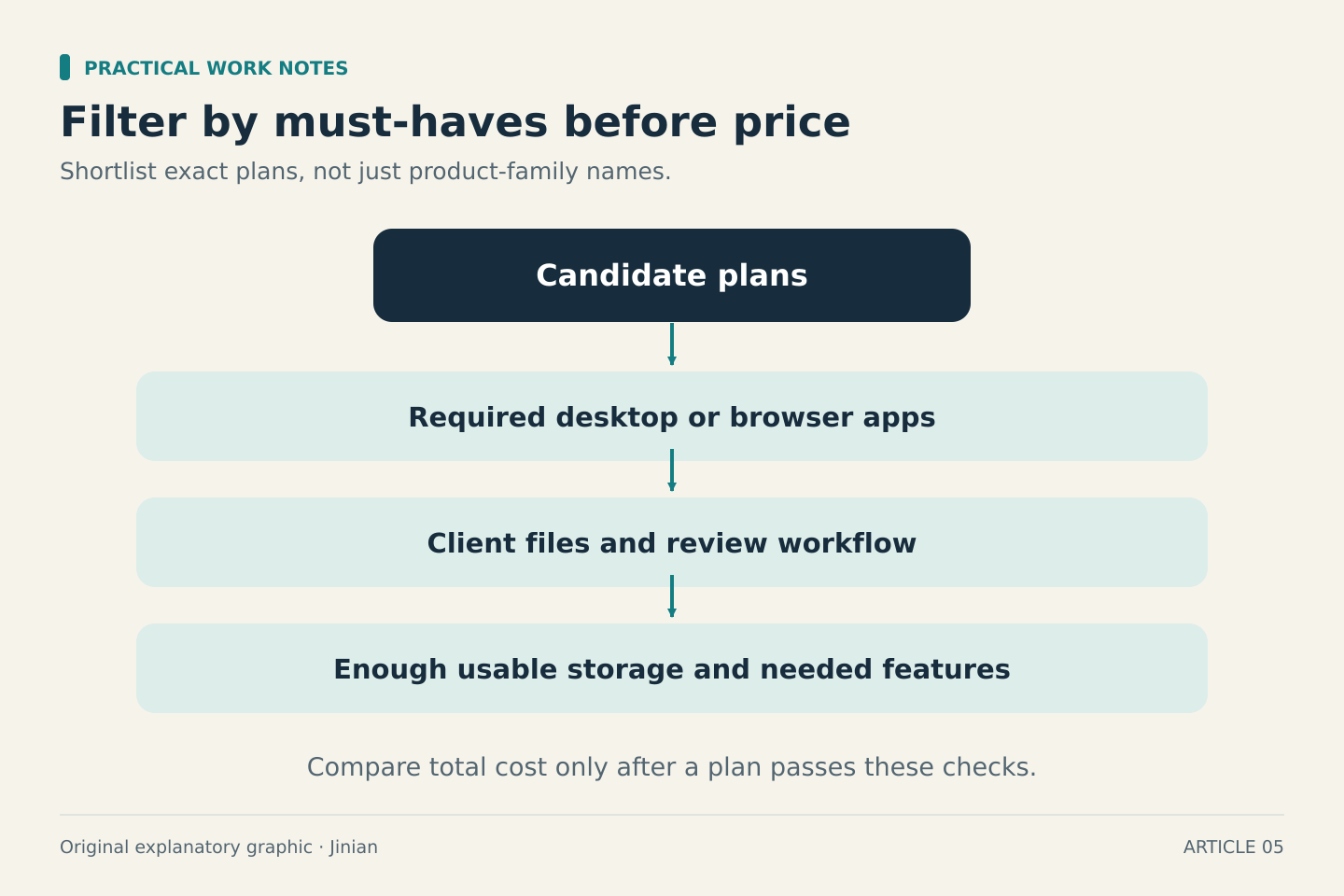
Microsoft’s current business plan page distinguishes Business Basic’s web and mobile applications from plans that include installed desktop applications. This distinction matters if your work depends on desktop Word or Excel. Do not assume that the word “Microsoft 365” guarantees the same applications in every plan.
Google Workspace’s business editions documentation describes its included services and differences between tiers. Look up the specific feature you need rather than treating an office-suite comparison as a feature-for-feature equivalence.
If a client requires a particular application or workflow, that requirement may decide the shortlist before storage or price does. If your work is mostly browser-based, compare how each option fits the people you collaborate with.
Compare usable storage, not just the biggest number
Google’s pricing page lists 30 GB of pooled storage per user for Business Starter and 2 TB for Business Standard. Microsoft’s business pricing page lists 1 TB of cloud storage per user on Business Basic.
Those figures help frame the comparison, but storage is only one requirement. Estimate your active work files, retained projects and expected growth. Then check what counts toward the allowance and how the plan handles storage.
For a solo operator, a large theoretical capacity may add little value if you use only a small amount. On the other hand, a cheap tier that forces a storage upgrade soon may not remain the cheaper option. Keep delivery links, shared working files and your backup process as separate decisions.
Compare the full commitment
The pages can show monthly equivalents for annual commitments, flexible billing, introductory discounts and bundles with different included services. Record the exact plan, country, currency and billing option you are comparing.
Use this worksheet:
- Plan and included applications
- Number of paid users
- Cost during the introductory period
- Normal cost after the offer
- Commitment length and payment schedule
- Taxes shown for your location
- Other subscriptions this plan would replace
- Other subscriptions you would still need
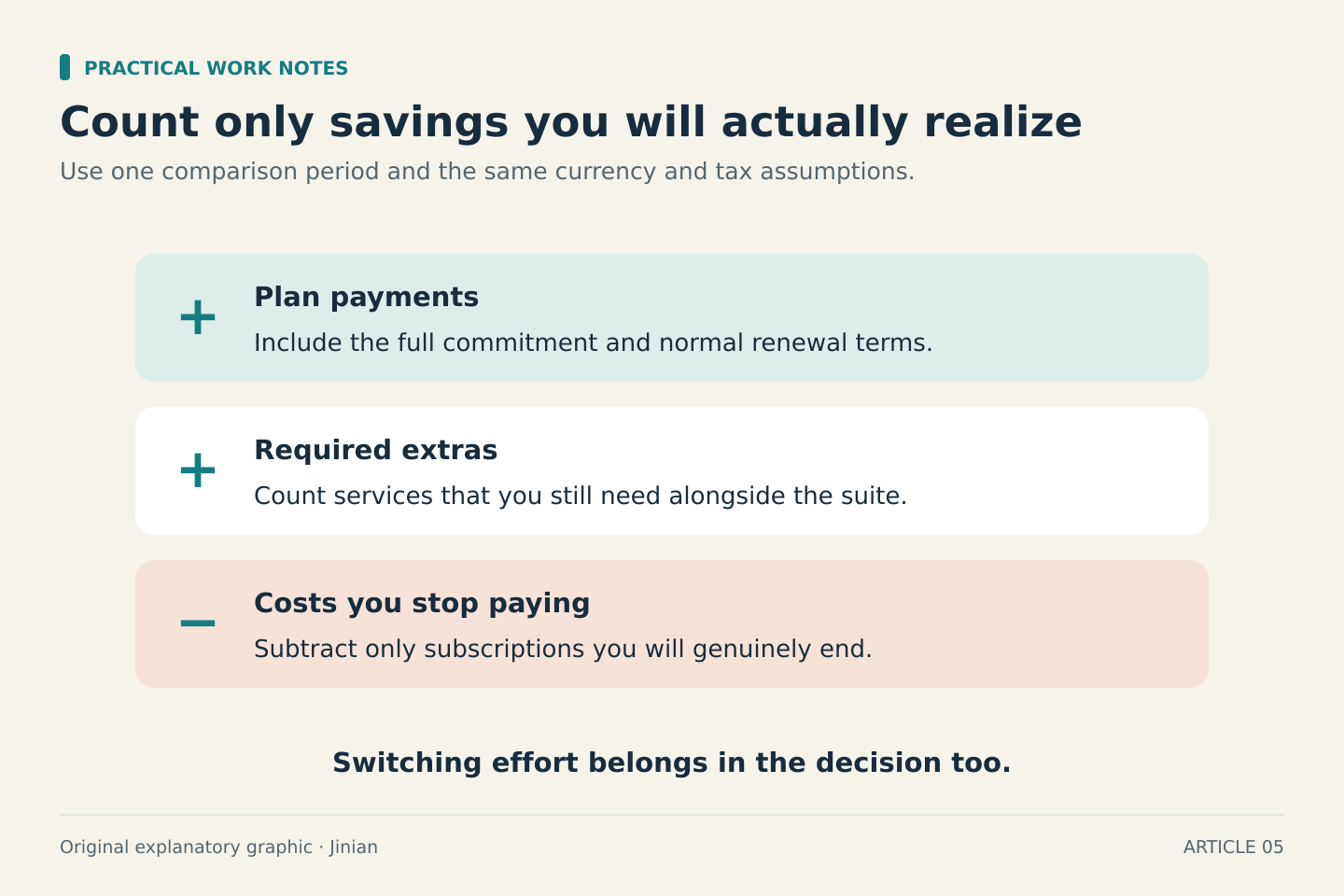
Calculate the amount payable across the full comparison period. Then subtract only costs you would genuinely stop paying. An included tool creates no saving if you continue using the separate paid product.
Add switching work to the decision
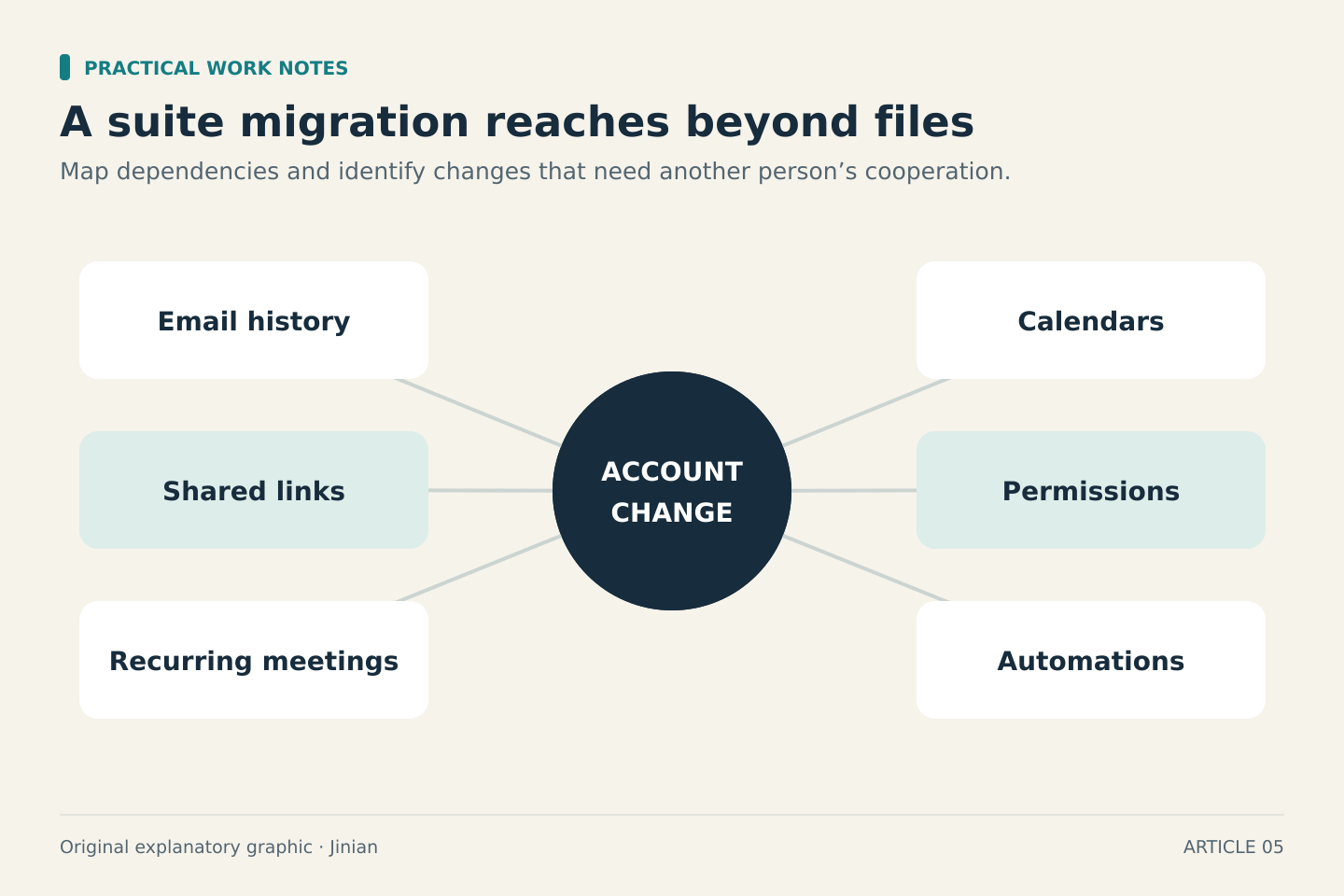
Migration can involve more than moving files. Think about email history, calendars, shared links, client permissions, recurring meetings and any automations that depend on your current account.
Write down which changes require coordination with someone else. If the plan is cheaper but every regular client must change how they review work, that friction belongs in the decision. Conversely, a suite already familiar to your collaborators may reduce administrative work.
A useful decision record is one paragraph: “I chose this plan because it supports these three tasks, replaces these services, and leaves these limitations.” Keep that note for the next renewal rather than starting the comparison from scratch.
Treat AI features as specific capabilities
AI chat, document assistance and access to business data are different capabilities. Check the current plan description for the precise feature and any extra license, usage or account requirements.
Choose one task you want AI to help with, such as turning your own notes into a draft summary. Decide what a correct result looks like and whether the information may be used in the service. An AI label should not outweigh a missing application you need every day.
A practical recommendation
Shortlist Microsoft 365 plans that include desktop applications if desktop Office is essential to your work. Shortlist Workspace if your work and collaboration already fit its tools. In either case, compare only plans that pass your must-have checklist, and check the current total at checkout before committing.
The objective is a dependable work setup. The lowest advertised monthly figure is useful only after you know that the plan can do the job.