
Choose a free file-sharing service by checking three things: how much you need to send, when the client will download it, and whether they need ongoing access. A large free storage allowance does not automatically make a service the best option for a finished delivery.
This comparison uses the providers’ published documentation. It does not rank upload speeds or claim that one service is universally more secure.
Quick choice
• Consider Google Drive when the file should remain available for ongoing work and you have enough unused storage. • Consider WeTransfer for an occasional handoff that fits its rolling allowance and short download window. • Consider Dropbox Transfer for a finished package of up to 2 GB when a seven-day download window fits the job.
Google Drive for an ongoing shared file
Google describes its free account allowance as up to 15 GB, shared across Gmail, Drive and Photos. Check your account’s actual available storage rather than assuming that all of it is free for client work. Stored mail and photos can consume the same allowance.
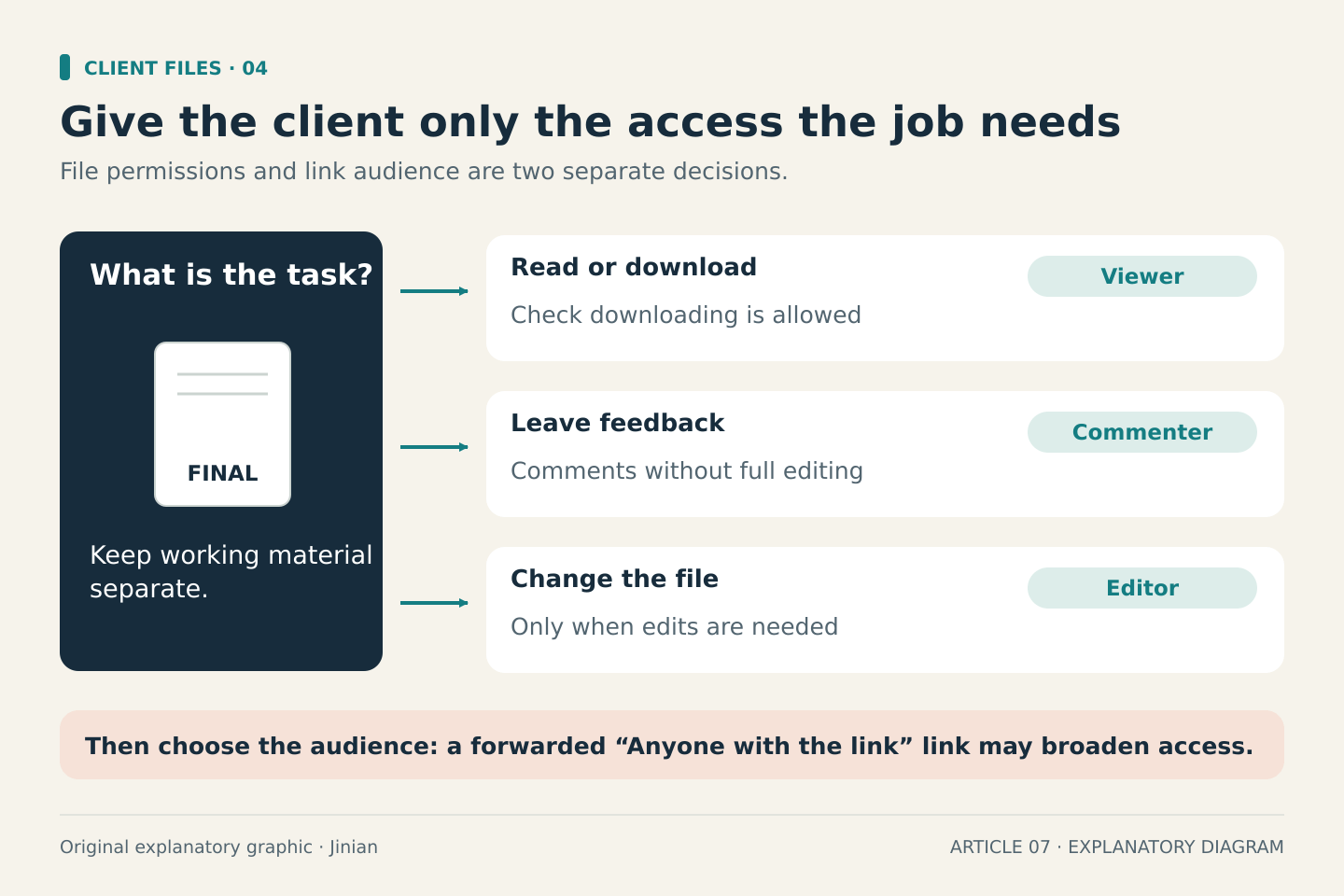
Drive lets you choose viewing, commenting or editing permissions. Its “Anyone with the link” option allows access without a Google account, but anyone who receives that link may be able to use it. Restricted sharing and managed work accounts can behave differently. Avoid opening access broadly merely to get around a client’s sign-in problem.
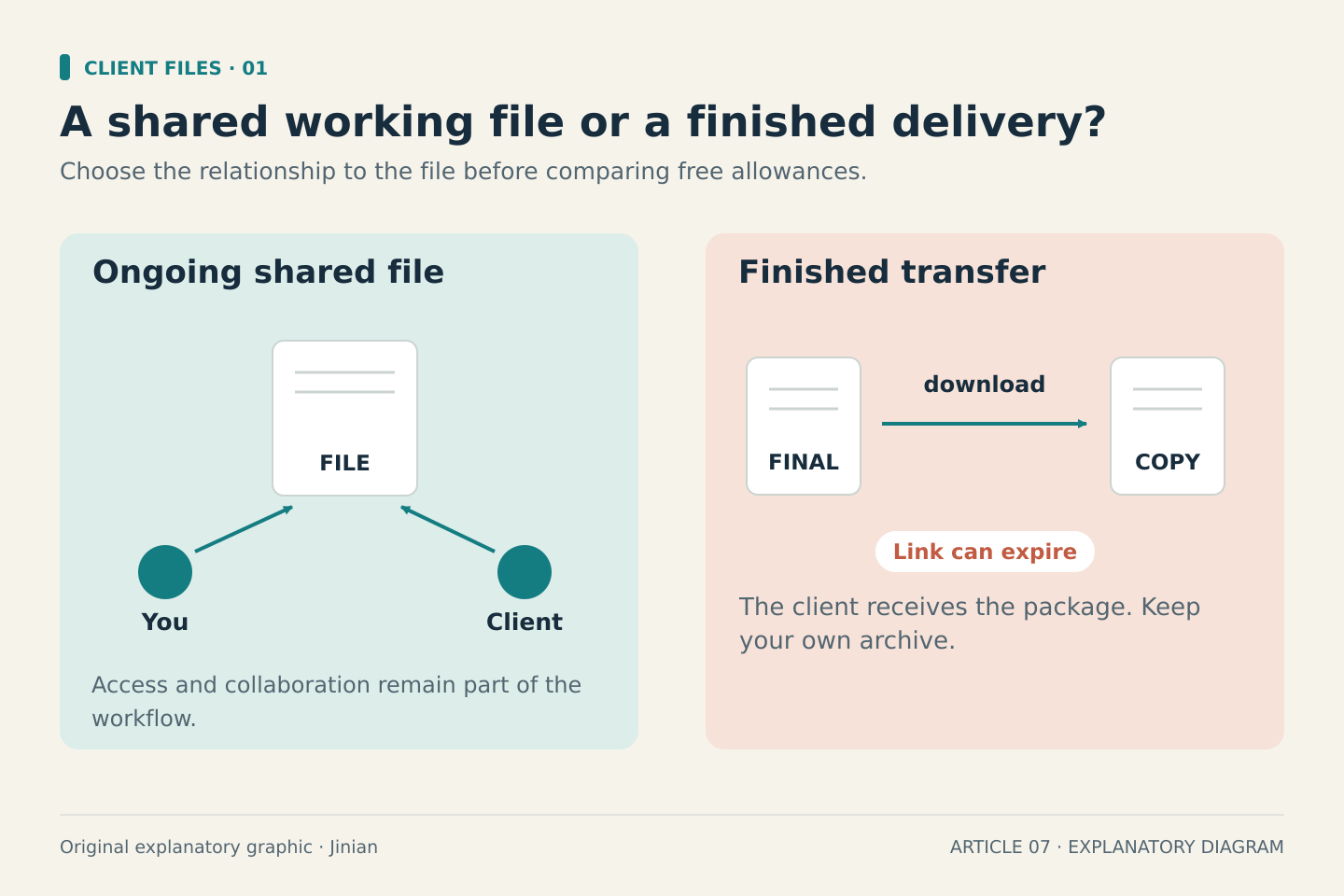
The practical question is whether this should be a working file or a final copy. If the client needs only the finished document, give the minimum access needed and check that downloading is allowed. Keep working material separate from the client-facing file.
Source: Google storage allowances
Source: Google Drive sharing permissions
WeTransfer for a short handoff
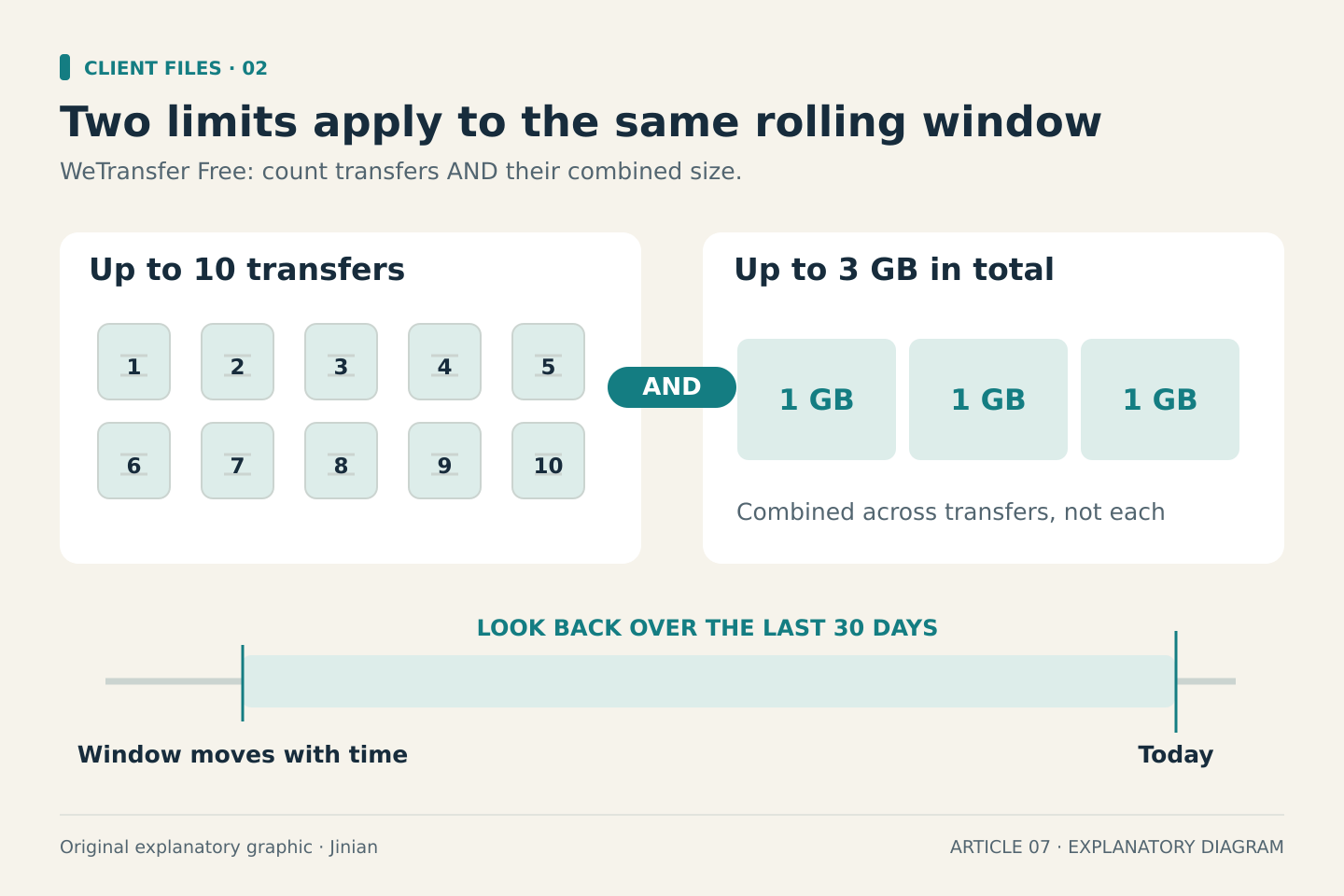
WeTransfer’s current free plan allows up to 10 transfers and up to 3 GB total in a rolling 30-day period. Reaching either limit matters. The allowance is not 3 GB for each of 10 transfers, and it does not simply reset on the first day of every calendar month.
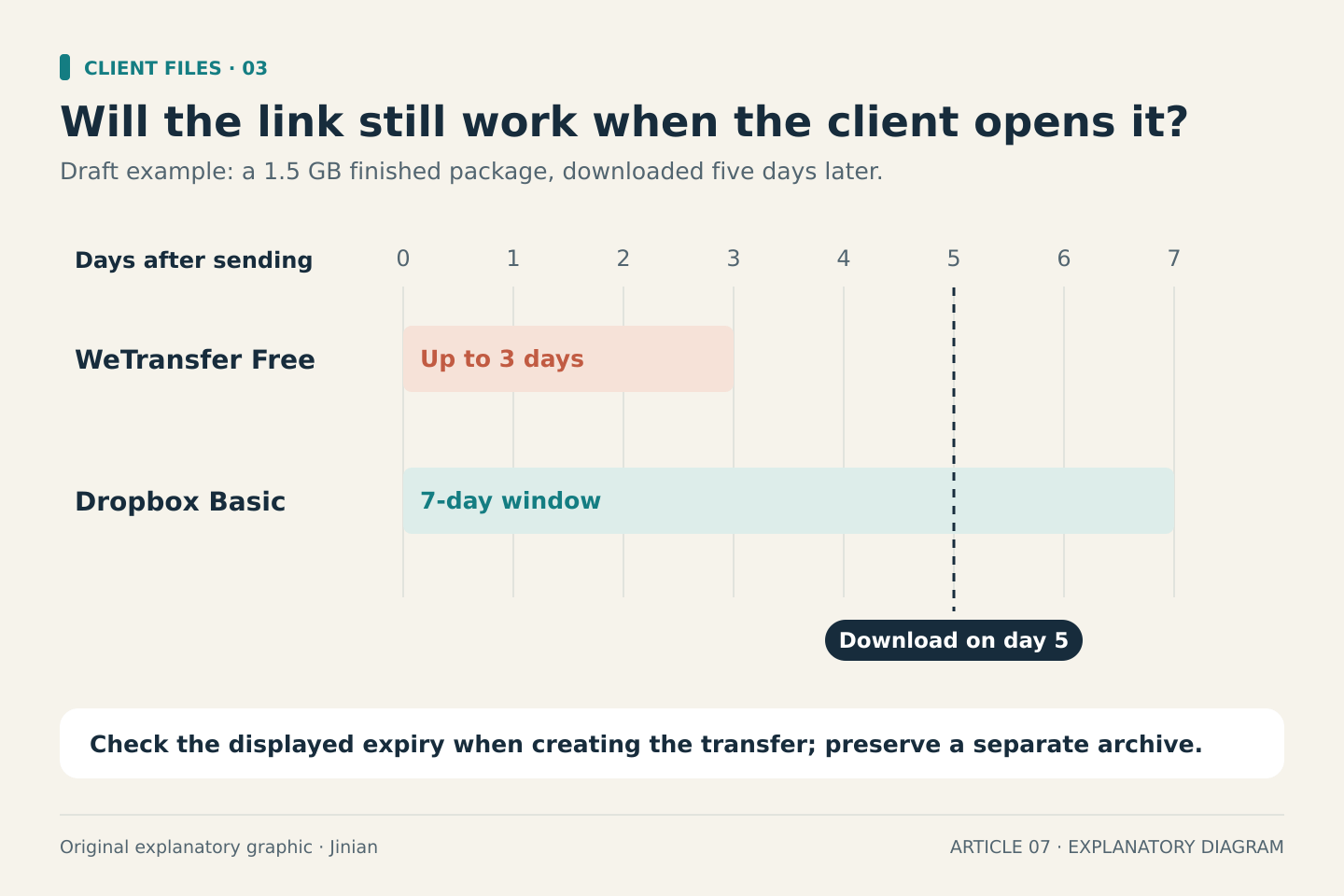
Free links last up to three days. The sender needs a free account; the recipient does not need an account to download. That can suit a small delivery when the client is ready to receive it. It is less convenient if the client will be away or several large revisions are likely.
Source: WeTransfer free plan and recipient requirements
Source: WeTransfer rolling plan limits
Dropbox Transfer for a finished package
Dropbox Transfer is intended for sending files that do not need collaboration. Dropbox’s help page lists a 2 GB transfer limit for the free Basic plan and a seven-day expiry. Recipients can download a transfer without a Dropbox account.
This is a different workflow from sharing an editable Dropbox folder. A transfer is useful when the handoff is the point: the client receives the finished files rather than joining your working folder. Check the published plan conditions if you need custom expiry, branding or other controls; do not assume that every feature advertised for Transfer is included in Basic.
Source: Dropbox Transfer size limits and expiry
Three example decisions
A 500 MB package needed tomorrow: WeTransfer may fit if you still have enough allowance and the client will download within the link window. Dropbox Transfer is another option within its stated size limit.
A 1.5 GB package the client will open in five days: Dropbox Basic’s published seven-day window fits that timetable better than WeTransfer Free’s maximum three days. Confirm the displayed expiry when creating the transfer.
A document that will receive comments over several weeks: a shared Drive file is a more natural workflow than repeatedly replacing a short-lived delivery link. Decide whether the recipient needs comment or edit access, and check how their account can open it.
These are illustrative choices based on documented limits, not performance test results. Your available storage, organization’s rules and client’s requirements may change the decision.
Check the delivery before sending
- Confirm the final files and the complete package size.
- Compare the client’s expected download date with the link expiry.
- Check remaining account storage or transfer allowance.
- Use the minimum access needed for the job.
- Verify the recipient experience using a harmless sample before sharing sensitive client material.
- Keep your own copy; a delivery link should not be your only archive.
Common questions
Does a client always need a Google account? No. Google documents access without signing in for “Anyone with the link.” That does not mean every restricted link or organization-managed file is accessible without authentication.
Does free mean unlimited? No. These services use different limits. Storage capacity, transfer size, transfer count and expiry are separate constraints.
Which is fastest? This guide does not answer that. It compares published conditions and has not measured upload or download performance.
Bottom line
For one-off final files, start with package size and download timing. For continuing work, start with access and collaboration. Choose a service that meets those requirements before paying for an upgrade you may not need.